
Reseller guides
When to Lower Your Price on eBay (and How Long to Let It Sit)

Every reseller has a few listings that just sit there. Cut the price too soon and you give away money a patient buyer would have paid. Wait too long and your cash stays stuck on a shelf. Here’s a simple way to decide when to lower your price on eBay, how much to drop it, and when to stop dropping and move the item on.
Why a little patience pays
eBay isn’t a garage sale where the buyer is standing in front of you today. The right buyer for a vintage jacket or an odd camera lens might search for it once a month. A fair price that sits for three weeks often makes more than a low price that sells tomorrow.
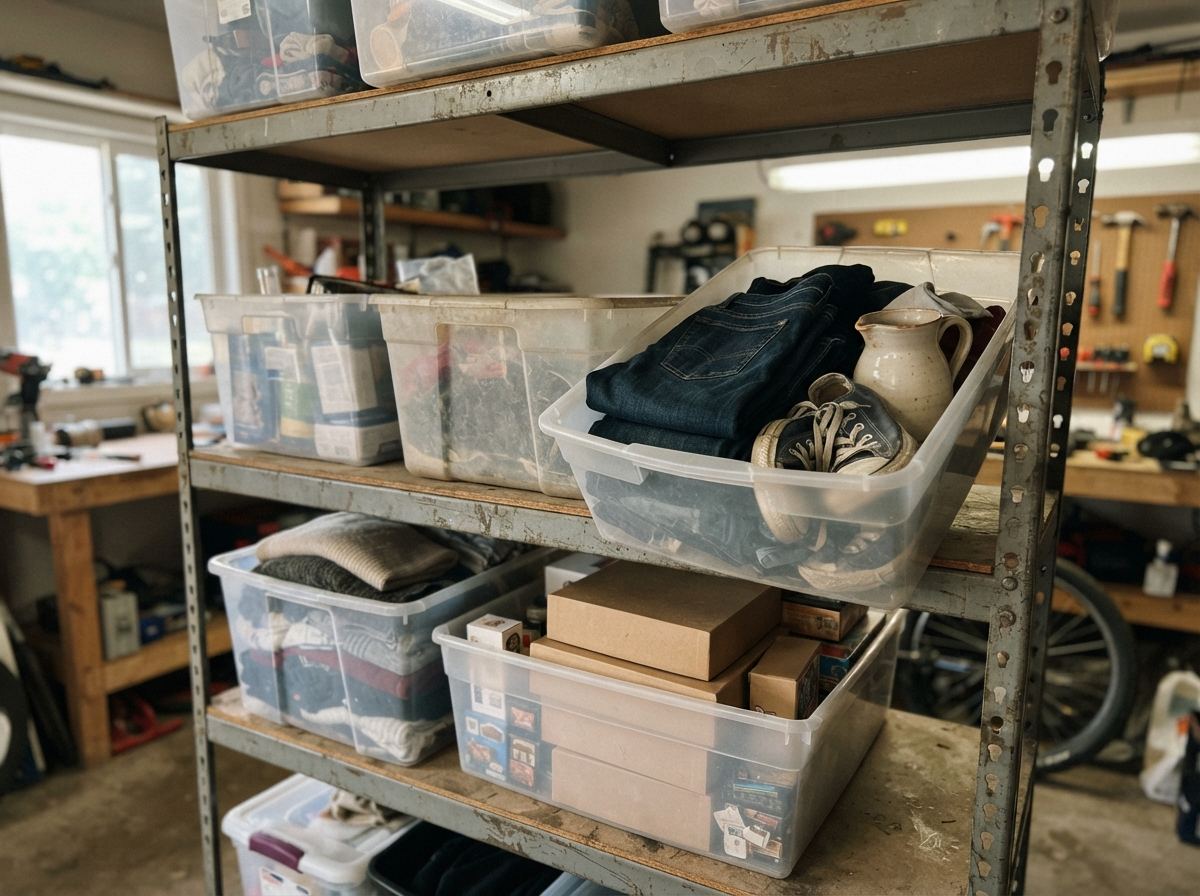
But patience has a cost too. Money tied up in old stock is money you can’t spend at the next thrift run, and every item on the shelf takes space and attention. The goal isn’t to never cut prices. It’s to cut them on purpose, on a schedule, instead of out of frustration.
Start right: the best price drop is the one you never need. Price new listings from sold listings (not what others are asking), and adjust for condition and shipping. Our thrift buying guide shows how to check sold prices on your phone.
A simple aging schedule
There’s no official rule, and categories differ (a popular sneaker moves faster than a niche collectible). Many resellers use something like this as a starting point, then tune it to their own sales:
- Days 0–30: leave it alone. A well-priced listing needs time to be found. Resist the urge to tinker in week one.
- Around day 30: check and freshen. Look at views and watchers. Fix the title, photos or item details (see the next section), and send offers if people are watching.
- Around day 45–60: first price drop. If it’s getting looks but no sale, try a modest cut, about 10%.
- Around day 90: second drop or a fresh start. Drop again, or end it and relist with new photos and a new title.
- Past 120–180 days: decide. If it’s near your floor price and still not selling, it’s time to bundle it, sell it locally, or let it go (more on that below).
The point is to pick a schedule and follow it. A once-a-week “aging check” on your oldest listings takes ten minutes and keeps stale stock from piling up.
Before you cut: fix these first
No views usually means buyers can’t find the listing. Views without a sale usually means something on the page is putting them off. Check:
- The title. Does it use the words a buyer would type: brand, model, size, color, material? Cut filler words like “wow” or “look.”
- The first photo. Clean background, good light, the whole item in frame. A dark first photo can sink a good listing.
- Item details. Fill in every item specific eBay offers (size, brand, type, and so on). Buyers filter by them.
- Shipping cost. A high shipping charge can make a fair price look expensive. Check the package size and weight you entered.
- The sold prices again. The market may have moved since you listed. If similar items now sell for less, your price is the problem, and a cut is the fix.

Send offers to watchers
Watchers are people who liked the item enough to save it. Before cutting the price for everyone, try a private discount for them. In Seller Hub, eBay lets you send offers to interested buyers, usually people who watched the item or put it in their cart. The discount has a minimum (eBay has listed 5%), and the offer expires after a few days.
- Make it worth a look: 10–15% off tends to get more attention than the bare minimum.
- Offering free or cheaper shipping can feel like a bigger deal to a buyer than the same dollars off the price.
- Turn on Best Offer. It lets hesitant buyers name a price. Set an auto-decline amount at your floor so lowball offers never reach you, and an auto-accept amount you’d be happy with. eBay’s help page explains how to add Best Offer.
How much to drop the price
- Small, steady steps. Cuts of about 10% at a time let you find the price buyers will pay without overshooting. One big slash can leave money on the table.
- Make it noticeable. Many sellers report that watchers who have notifications turned on can get an alert when a price drops, and a drop of 5% or more seems to be what triggers it. A cut from $40 to $39 probably won’t be seen.
- Use sale events for a batch. Instead of cutting one listing at a time, eBay’s Promotions (in Seller Hub › Marketing) can put a group of older listings on sale with a crossed-out original price, which shows buyers a deal.
- Mind the price endings. $24.99 and $25 aren’t much different to you, but buyers searching with a “under $25” filter only see one of them.
Price drop or relist?
Sometimes the listing itself has gone stale. Ending it and listing it again (a new listing with a new eBay item number) gives it a fresh start in search, especially if you also improve the photos and title. Some sellers do this around day 60–90 instead of, or as well as, a price drop. Others use a crosslisting tool that ends and relists for them.
Relisting the exact same listing over and over without changing anything rarely helps on its own. Pair a relist with something better: clearer photos, a sharper title, a fairer price.

Know your floor price
Your floor is the lowest price that’s still worth selling for. Below it, you’re working for free, or paying to get rid of the item. Work it out once, when you list:
What you paid for it
+ eBay’s fees (a percentage of the sale, including shipping)
+ shipping and packaging you’ll pay
+ a little for your time
= your floor price
Example: a sweater cost you $4. With fees, a $5 mailer-and-postage bill and $5 for your time, you might decide anything under about $20 isn’t worth it. That’s your auto-decline number for Best Offer, too.
When an item reaches its floor and still doesn’t sell, stop cutting. Bundle it with similar items, sell it locally or at a yard sale, or donate it and keep the record. Our death pile guide covers deciding what goes, and the dead inventory write-off guide explains why the cost still counts at tax time.
Seasonal items: wait, don’t cut
A winter coat that doesn’t sell in May isn’t overpriced. It’s out of season. Cutting it in summer means selling it cheap months before buyers are ready to pay full price. For seasonal stock, it’s often better to hold your price (or end the listing) and relist as the season approaches. Our holiday season prep guide has a timeline for what to list and when.
Quick answers
How often should I lower my price on eBay?
Not more than every few weeks for the same listing. Give each price at least two or three weeks to work, and fix the title and photos before cutting. A schedule like 30, 60 and 90 days is a good starting point.
Does eBay tell watchers when I lower my price?
Often, yes, if the buyer has notifications on. Sellers report that a drop of at least 5% seems to be needed. It isn’t guaranteed, so sending watchers an offer directly is the surer way to reach them.
Is it better to lower the price or send offers?
If people are watching, try an offer first: it only discounts for interested buyers and keeps your listed price intact. With no watchers and few views, an offer can’t reach anyone, so improve the listing or lower the price.
How long do items usually sit on eBay?
It depends hugely on the category and price. Some items sell in days; plenty of good finds take a few months. Your own sales history is the best guide: notice which categories sell fast for you and which tend to sit.
How ReNventory helps
- Cost and asking price side by side. For listings linked to eBay, the Inventory cards show what you paid and what it’s listed at (“cost $X · listed $Y”), so you see how much room you have before your floor.
- Your own “aging” tab. Make an inventory tab that shows only Listed items you’ve held a set number of days, counted from the day you bought them (for example 60+), and work through it at your weekly aging check.
- The unlisted pile, by age. The Dashboard splits what you paid for items waiting to be listed into 0–30, 31–89 and 90+ days, because an item can’t sell before it’s listed.
- Relists followed for you. When a listing is ended and relisted with a new item number (by you or a crosslister), ReNventory moves the item to the new listing or asks you, so its cost and history stay together.
- A clean exit. Send an item that won’t sell to the Death Pile with a reason (like “not selling”), and choose donate or sell elsewhere; its cost stays in your records.