
Reseller guides
Cost of Goods Sold for eBay Resellers: How to Track It for Taxes

When tax time comes, the marketplaces report what you sold. They don’t report what you paid for it. That second number, your cost of goods sold, is what keeps you from paying tax on money you never made. Here’s how it works for resellers, and how to keep the records without a spreadsheet headache.
Good to know: this guide explains the basics for U.S. resellers in plain words. It isn’t tax advice, and rules depend on your situation, so check the details with a tax preparer.
What cost of goods sold means for a reseller
Cost of goods sold (often shortened to COGS) is what you paid for the items you sold this year. If you bought a lamp for $8 and sold it for $45, the $8 is cost of goods sold. Your profit on that lamp, before fees and shipping, is $37.
The key word is sold. What you spent buying inventory isn’t automatically this year’s cost. Items still sitting on your shelves at the end of the year generally count when they sell, not when you bought them.
Why it matters so much
- Marketplaces report your gross sales. Platforms like eBay may send you and the IRS a form (a 1099-K) showing what buyers paid. It doesn’t know what you paid for anything.
- Without your costs, all of it looks like profit. Sell $20,000 of finds that cost you $6,000, and without records you could be taxed as if you earned $20,000 instead of $14,000.
- It shows you the truth about your business. Knowing your real margin tells you which sources and categories are worth your time.
The simple year-end formula
For most small resellers, cost of goods sold for the year comes from three numbers:
Inventory at the start of the year (what unsold stock cost you on January 1)
+ Purchases (everything you bought for resale during the year)
− Inventory at the end of the year (what unsold stock cost you on December 31)
= Cost of goods sold
Example: you started the year with $1,500 of unsold stock, bought $6,000 more, and ended the year with $2,000 still unsold. Your cost of goods sold is $1,500 + $6,000 − $2,000 = $5,500.
If you’re a sole proprietor or single-member LLC, this usually ends up in the cost of goods sold section of Schedule C. Your tax preparer or tax software will ask for these numbers.
What counts as cost, and what doesn’t
Generally part of an item’s cost:
- What you paid for it, including sales tax you paid at the register.
- Shipping or freight you paid to get inventory to you (for example, an online lot shipped to your house).
Usually not part of cost of goods (they’re separate business expenses):
- Marketplace fees, payment fees and promoted listing fees.
- Shipping labels and packaging for sending items to buyers.
- Your phone, printer, labels, storage bins and subscriptions.
Both lower your taxable profit; they’re just reported in different places. Keep them apart in your records so the totals are clean.
The records to keep
The good news: you don’t need much, as long as you capture it when you buy.
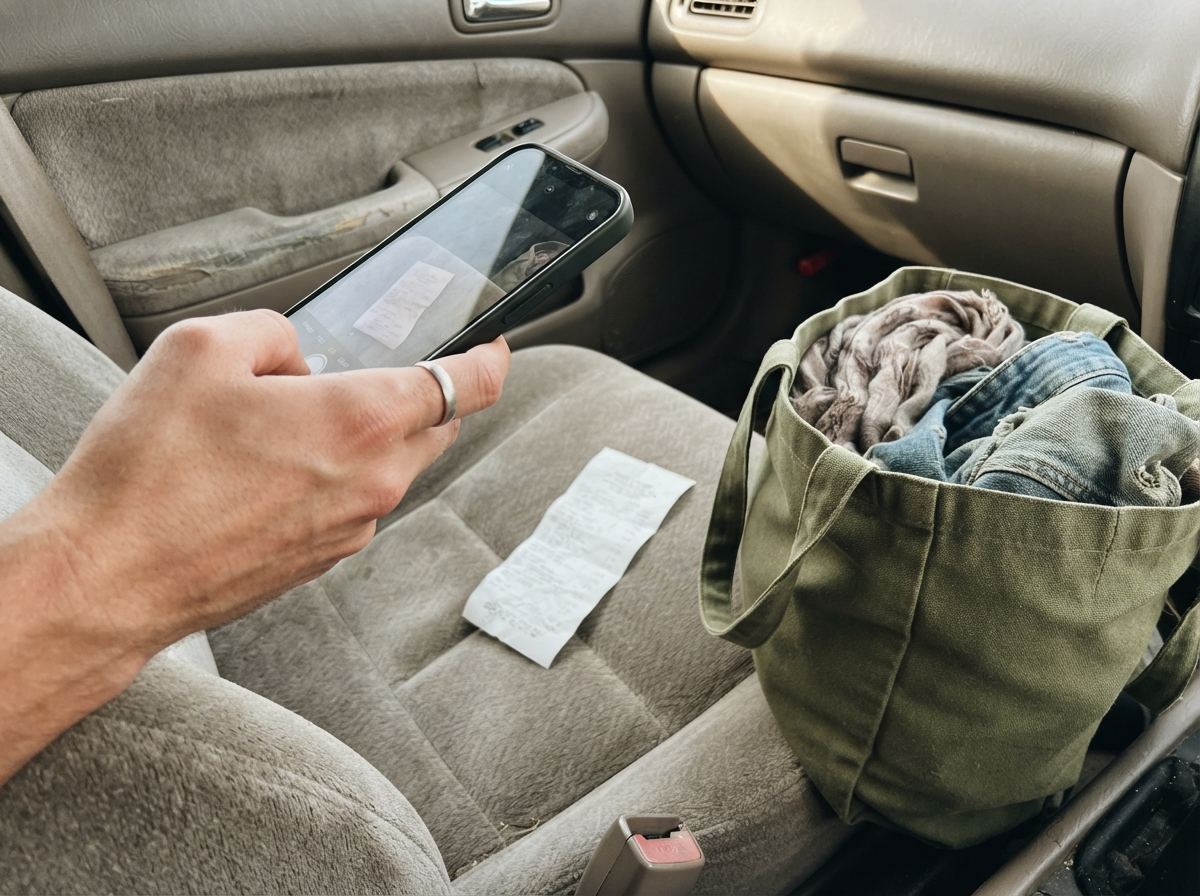
- For every purchase: the date, where you bought it, what you paid, and what it was.
- Receipts: a photo is fine. Thrift stores and yard sales often don’t give receipts, so note the purchase yourself the same day.
- For every sale: the date, the platform and what the buyer paid. Your marketplace reports cover most of this.
- A link between the two: a SKU or item number on each find, so you can tell which purchase became which sale.
Tip: the hardest records to rebuild are the ones from the store. Twenty seconds at checkout (snap the receipt, note the cost) saves hours of guessing in March.

Lots and bulk buys
You paid $60 for a box of 20 items. What did each one cost? You need a reasonable way to split the total, and then to stick with it:
- Even split: $60 ÷ 20 = $3 each. Simple and common.
- By expected value: if one item will sell for half the box’s total, give it about half the cost. More accurate, more work.
Either way, keep the lot’s total and date, and make sure the split adds back up to what you paid. Items from the lot you throw away or donate still carry their share.
Unsold inventory at year end
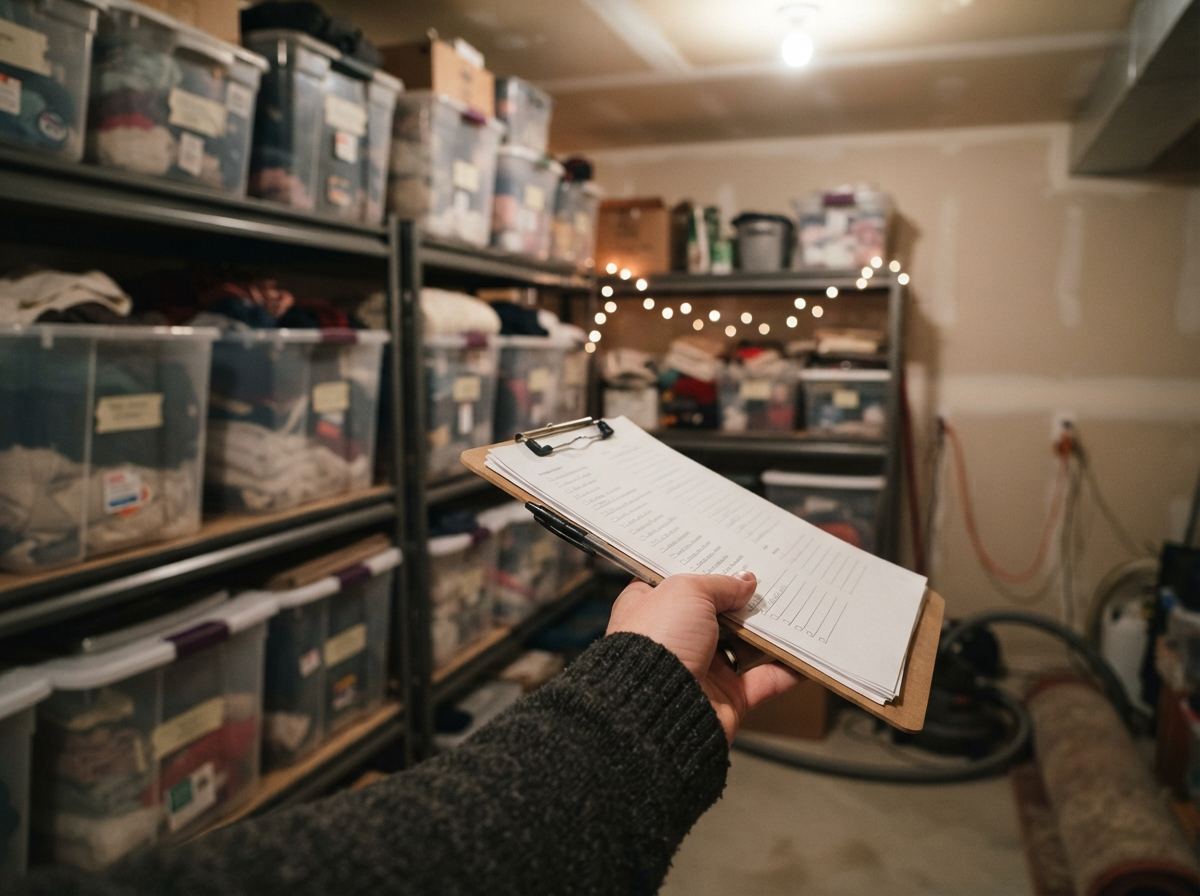
On December 31, write down what your unsold stock cost you. That’s your ending inventory this year and your starting inventory next year. Count everything you still intend to sell: listed items, the ones waiting to be listed, and the bins in the garage.
If you kept cost records as you bought, this is a total, not a weekend of counting. If you didn’t, a careful one-time count with your best estimates is far better than nothing, and it sets you up for next year. Some small businesses can use simpler methods for inventory; ask your preparer whether one fits you.
Donated and written-off items
Things break, don’t sell or turn out to be missing pieces. When you donate or throw away inventory, keep a note of what it was, the date and what it cost you. Those costs don’t disappear: how they’re handled depends on your situation, so give the list to your preparer rather than leaving them out. Our real death pile guide walks through an example.
Common mistakes
- No cost on imported or old items. If an item’s cost is blank, it counts as $0, and you pay tax on the full sale price.
- Counting all purchases as this year’s cost. Stock you haven’t sold yet generally belongs in ending inventory.
- Forgetting the start-of-year inventory. Last December’s unsold stock is part of this year’s cost when it sells.
- Mixing personal and business buys. Keep things you bought for yourself out of your inventory records.
- Putting fees and shipping into cost of goods. They count, but as expenses, not as the item’s cost.
- Waiting until April. Reconstructing a year of thrift runs from memory is where most money is lost.
A year-end checklist
- Make sure every sold item this year has a cost recorded.
- Total your purchases for the year (including lots and any inbound shipping).
- Total the cost of your unsold inventory on December 31.
- List donated and written-off items with their costs.
- Download your marketplace sales and fee reports.
- Hand it all to your preparer (or your tax software) in one folder.
Quick answers
Do I need to track costs if I only sell a little?
If you sell things for more than you paid, it’s worth it. Even a few hundred dollars of sales can mean real tax without your costs to subtract. Selling your own used belongings for less than you paid is a different situation; ask your preparer.
Can I estimate costs I didn’t write down?
Reasonable, honest estimates are better than leaving costs at zero, but records made at the time are much stronger. Start logging purchases now so next year is easy.
Are eBay fees part of cost of goods sold?
Usually not. Final value fees, payment fees and promoted listing fees are generally selling expenses, recorded separately from cost of goods sold. They still lower your taxable profit, so keep them in your records; ask your preparer how to report them.
Is shipping to the buyer part of cost of goods?
Usually not. Postage and supplies to send sold items are typically separate expenses. They still reduce your profit.
How ReNventory helps
- Cost captured in the store. Log a find with a photo or barcode, type what you paid (or snap the price tag), and it gets a SKU and today’s date, even with no signal.
- Lots split for you. Enter a box or lot’s total once; ReNventory spreads it across the items, and the split always adds back up to what you paid.
- “Cost not set” warnings. Items without a cost (like eBay imports) are flagged, so nothing sells at a $0 cost by accident. Add costs in bulk on the website.
- A yearly report. The Reports tab shows sales, cost of goods sold, profit, write-offs, inventory bought and unsold inventory at year end, with a Download for my accountant spreadsheet listing every sale and write-off.
- Write-offs on the record. Move an item to the Death Pile as donated or written off, and its cost stays in your records. See What’s a death pile.